Home / Intellectual property
Intellectual Property

Every mark, from search to renewal.

Trade mark, copyright, patent and design applications, each with its official number, its classes and the stage it has reached.

The register

Four categories, one register

Every application carries what the registry will ask you for, so the file is never in someone's inbox.

Trade MarkCopyrightPatentDesign
  • Official number, filing date, owner, title and client
  • For a trade mark, the application type, Name or Logo, with the logo itself attached
  • 45 Nice classes for trade marks and 32 Locarno classes for designs, loaded from the start
  • Status: Pending, In Progress, Completed or Abandoned
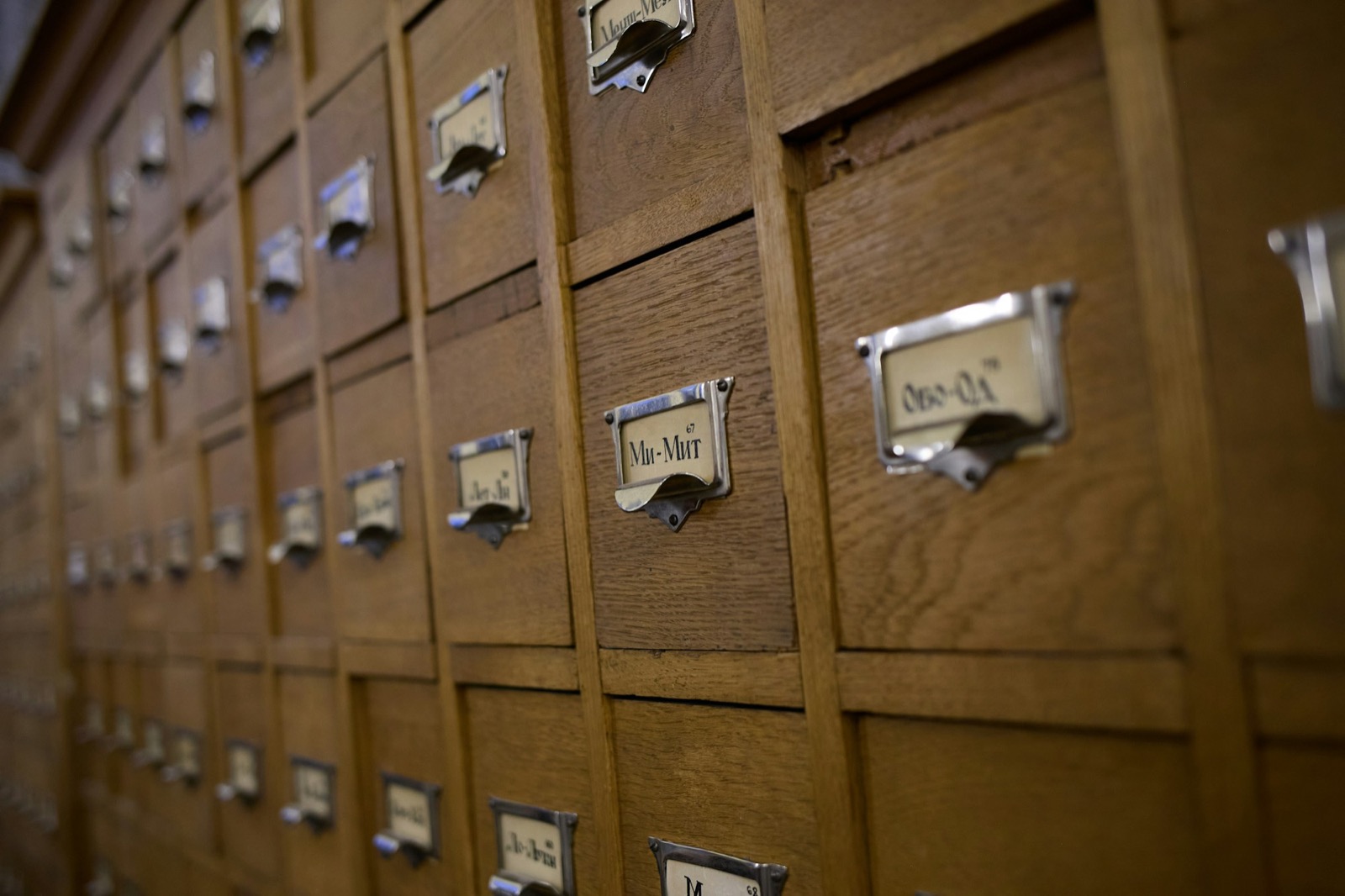
Rows of wooden index drawers, each with a label holder
Stages

See exactly where each filing has reached

Trade marks come with 31 stages already set up, including the full opposition sequence. Copyright has its own. Admins can edit every list, and add the stages for patents and designs.

SearchAppliedShow CauseHearingOppositionDemand NoticeCertificate ReceivedRenewal DueRenewal Applied
  • Each IP proceeding records its stage, the date it moved and the date the next step is due
  • Attachments and order text on every step
  • Sent and seen tracking when you send an update to the client
Device mark · class 25TM 908-114 · Trade Mark · Logo
✓Search04 Feb
✓Applied18 Feb
✓Show Cause Received · reply filed02 May
✓Published16 Sep
Opposition Receiveddue 24 Nov
Certificate Received—
Renewal Due—
Sample application. Stage names come from the seeded trade mark stages.
Due dates

An IP cause list, grouped by what is due

The same diary view litigators use, built around due dates instead of hearings. Filter by category, type, stage and status. Pending is the default, so finished work stays out of the way.

Grouped by due date

Applications sit under the date their next step is due, with a count on each day.

Four views

Grid, list, calendar and the IP cause list, on the same filters.

Team and client threads

Discuss an application with the team, or with the client, on the application itself.

Assignees and followers

The people on an application are told when it moves.

Reports

Hand the client a report, not a spreadsheet

Two PDFs come straight out of the register.

  • IP Applications Report: the filtered register as a clean PDF
  • IP cause list PDF for any date range
  • Statistics on applications by status, next to cases and projects
Two people going over printed forms at a table
Ready when you are

Bring the whole IP register into one place.

Try it for five days in a full workspace, already furnished with sample data. No card, and nothing to cancel when the five days are up.

Practice management for legal teams.Start your 5-day trial →